Description
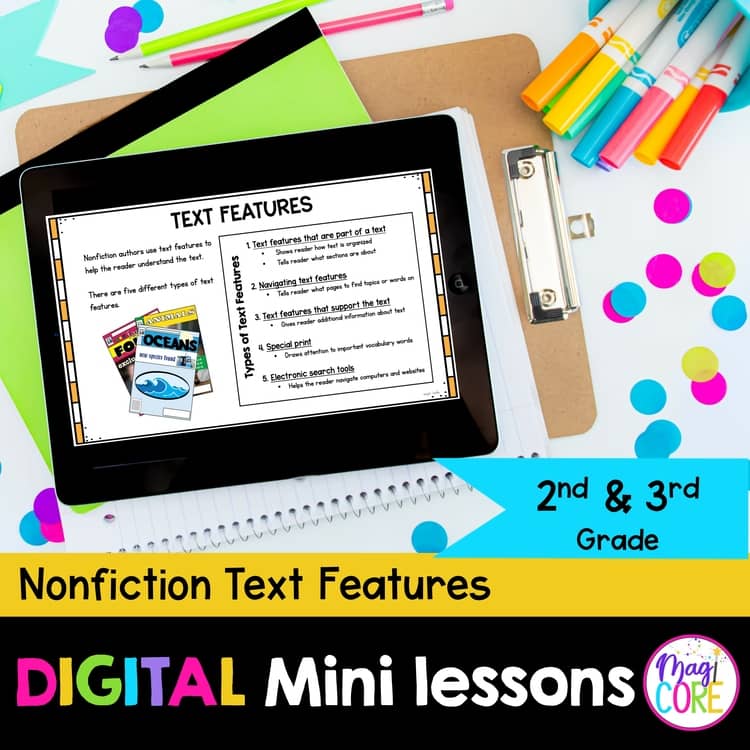
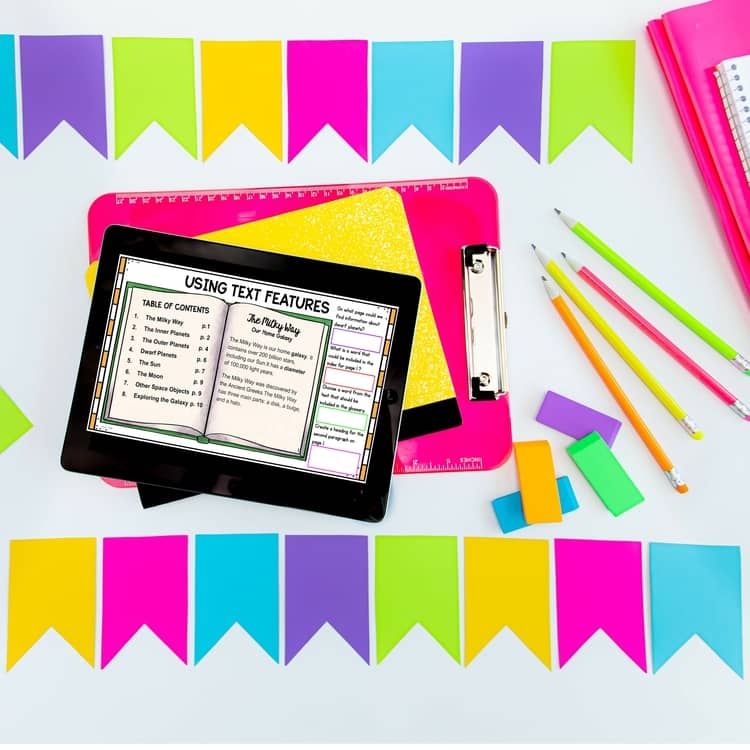
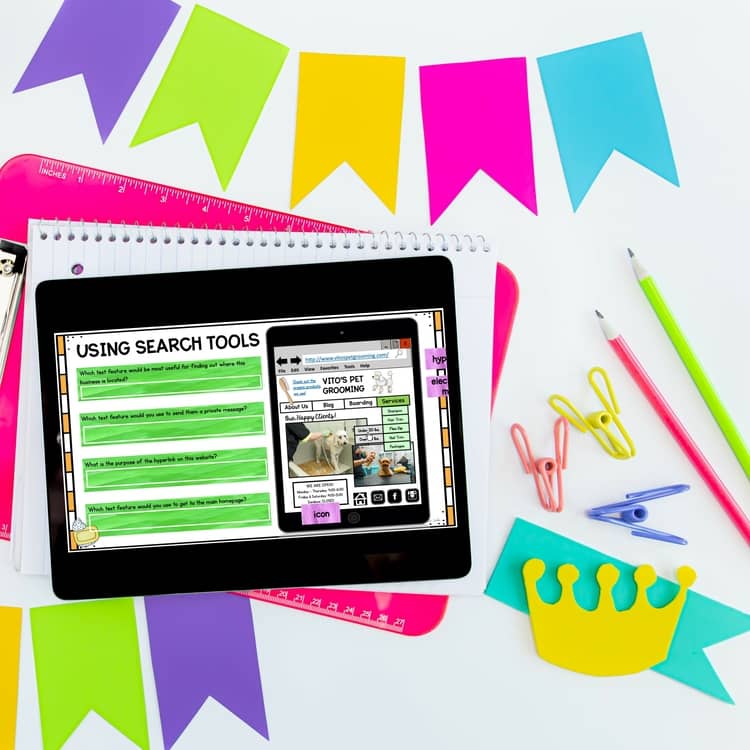
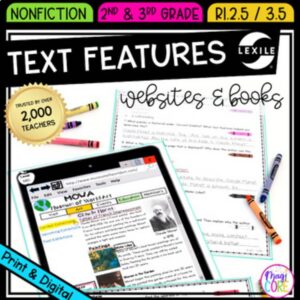
Help students use headings, captions, and other text features with purpose.
- Grades: 2–3
- Format: Google Slides + Seesaw
Learning Objective
Students will use text features to locate and understand information.
What's Included
- How to Use This Resource Guide
- Daily Teacher Instructions
- Interactive Anchor Charts
- Interactive Activities
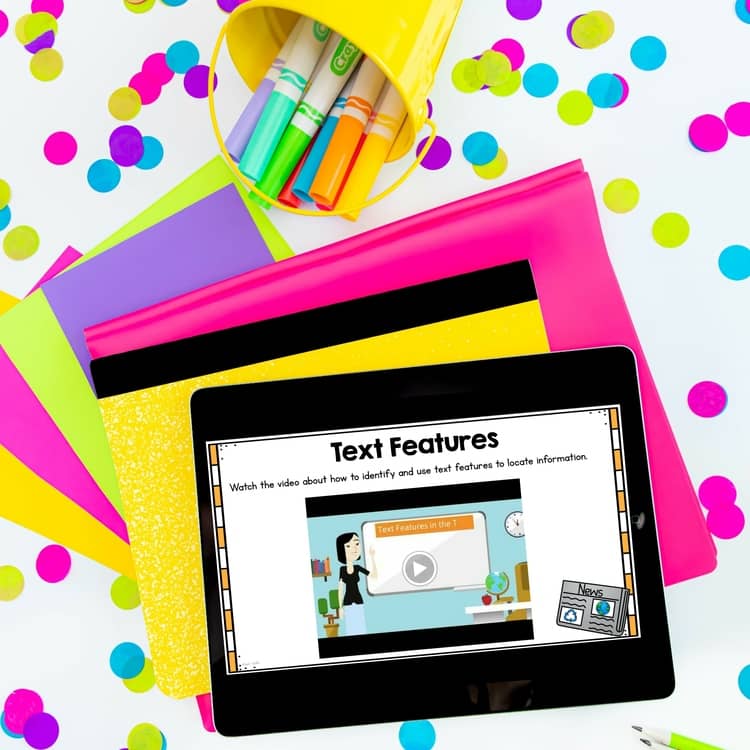
- Skill Focused Video Lesson
- Nonfiction Text Features Reading Exercises
- Text Features in Nonfiction Review
- Recommended Book List
- Answer key
Ways to Use
Whole-class skill instruction, small groups, or guided practice.
Preparation
For digital use, check device and internet access and assign the version you will use. Preview linked videos and confirm YouTube access before assigning them.
Standards & Skills
Source-listed alignment: RI.2.5, RI.3.5.
Only logged in customers who have purchased this product may leave a review.



amanda P. –
great resource. this really helped my students with text features
Brianna P. –
It made planning so simple! My kids loved learning with this resource.
Accelerated Achievers Academy –
The text was small and I didn’t understand the sorting activities.
Kristin B. –
Very helpful to use to teach and model text features to my students.
The Invisible Apple –
This was super helpful for some resources to teach this skill and simple to use.
Gina Hawkins –
great resource. Lots of good information easy to use and the kids enjoy the lessons.
Monica C. –
My students love this resource it is fun and engaging.
Taylor H. –
I really enjoyed using these mini lessons to review nonfiction text features.
Sarah P. –
This was a comprehensive, engaging resource to use with my 4th graders!
Debbie B. –
Awesome resource! I will be using this again and again.
Angela M. –
This resource was perfect for helping to teach text features. Made it simple and easy and students enjoyed it!