Description
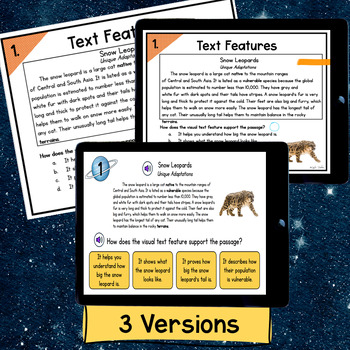
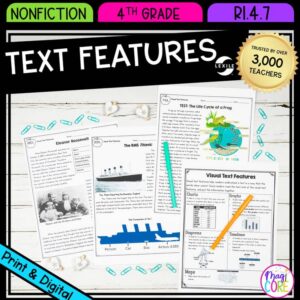
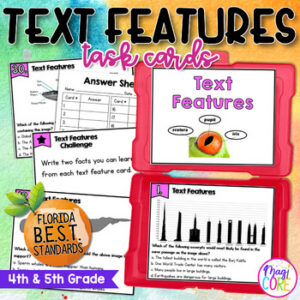
Help students use headings, captions, and other text features with purpose.
- Grades: 4–5
- Format: Webscape + Printable pages + Google Slides
Learning Objective
Students will use text features to locate and understand information.
What's Included
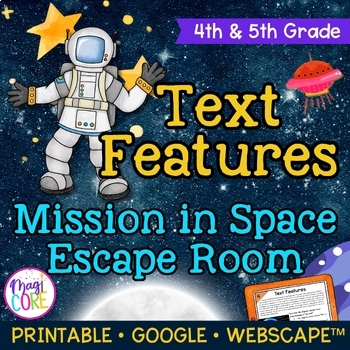
- Text Features "Mission in Space" Escape Room – 4th & 5th Grade
- Print and Digital Directions
- Official Mission Transcript
- Challenge #1: Use text features to pass through the Kuiper Asteroid Belt
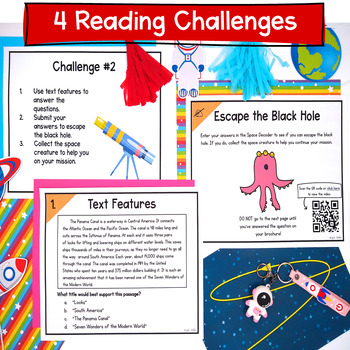
- Challenge #2: Use text features to escape the black hole
- Challenge #3: Use text features to gain more information from the text to land safely on Proxima B
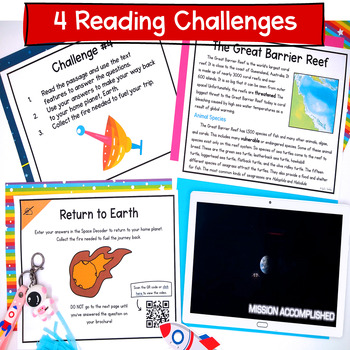
- Challenge #4: Multi-paragraph article text feature practice to make your return to planet Earth
- Space Exploration Certificate
- Ooops Cards
- Recording Brochure
- Answer Key
- Digital Version Links
- Webscape Link for Interactive Browser Based Experience
- Google Slides Link for Digital Escape Room
- Google Forms Link for Decoding Tool
Ways to Use
Skill review, collaborative practice, centers, or enrichment.
Preparation
Preview the student pages, choose the activities, and print the pages you need. For digital use, check device and internet access and assign the version you will use. For the printable escape room, place the challenge pages in folders as directed. YouTube is required for linked videos in the Google/print versions; the Webscape version does not require it.
Standards & Skills
Students will use text features to locate and understand information.
Only logged in customers who have purchased this product may leave a review.

A Little Red Bird Teaches –
My students LOVED this!! It was a great way to end our text features unit! I really liked that it had the “code breaker” and let the students know if they had the right answer or not!